
固定背景bg1を左から右へ動かしたり、じんわり拡大するcssはカスタムに入っている。片方は効かなくしている。
新・固定表示の開閉タブ
下記cssとJS【新・固定表示開閉タブOP/CL タブ遅延仕様 / 表示が崩れない対策】でうごく。
/* ===========================
NEW 固定表示開閉タブ
完全作り直し版
動き:
・文章の幅は最初から完成幅
・外側だけ0幅にして隠す
・中身は左からスライド
・高さ計算JSなし
============================= */

無料のHPフィッティング(デモサイト作成)
❖ 画像や文章は、事業内容に合わせて変更可能
❖ 他のデザインも見たい方はこちら
固定背景を非表示にするには、stock-blockをクラス名にいれる。それとbg5 or bg6のクラス名を変更する → bg6stockとか。
スライド、アンカー確認!
【スライドや固定背景の増減についての基本設定・要点】
【基本型4枚 2枚まで増加可能】
通常:
b1 → b2 → b3 → b6 → b7
bg1 → bg2 → bg3 → bg4
1枚追加:
b1 → b2 → b3 → b4 → b6 → b7
bg1 → bg2 → bg3 → bg5 → bg4
2枚追加:
b1 → b2 → b3 → b4 → b5 → b6 → b7 b7は最後のCONTACT用。b6の直後に置く。最後位置の計算に使う。
bg1 → bg2 → bg3 → bg5 → bg6 → bg4 いずれもbg4をラストにする。
b4 / b5:追加用の普通スライド。b3 と b6 の間に入れる。b2・b6と同じ固定幅タイプ。
固定背景を非表示にするには、stock-blockをクラス名にいれる。それとbg5 or bg6のクラス名を変更する → bg6stockとか。
スライド、アンカー確認!
スマホのb1上での配置などを調整する場合
スマホのときのb1上の文字の配置はYOKOHPのcss上で決めている。
/* ======================================
スマホ:b1を透明 + 文字を画面中央表示
+ 位置微調整できる版
====================================== */
body:not(.wp-admin):not(.block-editor-iframe__body){
--b1-text-x: 0px; /* b1全体の文字:左右位置 */
--b1-text-y: -150px; /* b1全体の文字:上下位置 */ ←タイトルのこと
--b1-swipe-x: 0px; /* b1内のsp-only:左右位置 */ ←swipのやつのこと
--b1-swipe-y: 300px; /* b1内のsp-only:上下位置 */
単にグラデを用いない透明からレイヤーor画像へのアニメーション
/* 画像+色レイヤーをまとめて透明から表示 */
selector .wp-block-cover__image-background,
selector .wp-block-cover__background{
animation: coverLayerFadeIn 5.0s ease-out 2.0s both;
animation-play-state: paused;
}
/* このカバー自身がアクティブになったら開始 */
selector.b-anim-active .wp-block-cover__image-background,
selector.b-anim-active .wp-block-cover__background{
animation-play-state: running;
}
/* 編集画面では普通に表示 */
.editor-styles-wrapper selector .wp-block-cover__image-background,
.editor-styles-wrapper selector .wp-block-cover__background{
animation: none !important;
}
/* 透明 → それぞれ元の透明度へ戻る */
@keyframes coverLayerFadeIn{
from{
opacity: 0;
}
}
グラデ+透明からレイヤーor画像へのアニメーション
selector{
/* ここだけ変更 */
--grad-left: #ffffff00; /* 左の色 */
--grad-right: #e9a02a; /* 右の色 */
--grad-opacity: 0.55; /* グラデの濃さ */
position: relative !important;
overflow: hidden !important;
}
/* カバー色レイヤーをグラデーションにする */
selector .wp-block-cover__background{
background: linear-gradient(
90deg,
var(--grad-left) 0%,
var(--grad-right) 100%
) !important;
opacity: var(--grad-opacity);
}
/* 画像+グラデーションをまとめて透明から表示 */
selector .wp-block-cover__image-background,
selector .wp-block-cover__background{
animation: coverLayerFadeIn 5.0s ease-out 2.0s both;
animation-play-state: paused;
}
/* このカバー自身がアクティブになったら開始 */
selector.b-anim-active .wp-block-cover__image-background,
selector.b-anim-active .wp-block-cover__background{
animation-play-state: running;
}
/* 編集画面では普通に表示 */
.editor-styles-wrapper selector .wp-block-cover__image-background,
.editor-styles-wrapper selector .wp-block-cover__background{
animation: none !important;
}
/* 文字は一番上 */
selector .wp-block-cover__inner-container{
position: relative !important;
z-index: 3 !important;
}
/* 透明 → それぞれ元の透明度へ戻る */
@keyframes coverLayerFadeIn{
from{
opacity: 0;
}
}
離婚 / モラハラ / DV / 浮気
動きだす前に、まずは整理するための
さくら夫婦問題カウンセリング
Swipe →
MESSAGE
離婚カウンセリングは、法律の答えを出す場所ではありません。
離婚をすすめる場所でも、我慢をすすめる場所でもありません。
DV、モラハラ、浮気、別居、離婚への迷い、夫婦関係の修復など、夫婦の問題にはさまざまな形があります。
「こんなことを話していいのかな」
「どうしていいか分からない」
「気持ちがまとまらない」
そんなふうに、気持ちが揺れたままでもかまいません。うまく話せなくても大丈夫です。
ただあなたの思いを、そのままお聞かせください。
ここはそのための場所です。一つずつ整理していきましょう。
気持ちに整理がつけば、次に何をすべきかが見えやすくなります。
離婚カウンセリングは、法律の答えを出す場所でも、離婚をすすめる場所でも、ましてや我慢をすすめる場所でもありません。
DV、モラハラ、浮気、別居、離婚への迷い、夫婦関係の修復など、夫婦の問題にはさまざまな形があります。
気持ちが揺れたままでもかまいません。うまく話せなくても大丈夫です。
ただあなたの思いを、そのままお聞かせください。
ここはそのための場所です。一つずつ整理していきましょう。
気持ちに整理がつけば、次に何をすべきかが見えやすくなります。
Sakura Shimosaki
カウンセリングコース
contents
対面相談
当カウンセリングルームにて直接お会いして行います
60分 8,000円(税込)

オンライン相談
ZOOMを利用したオンラインでの対面カウンセリングです
60分 8,000円(税込)

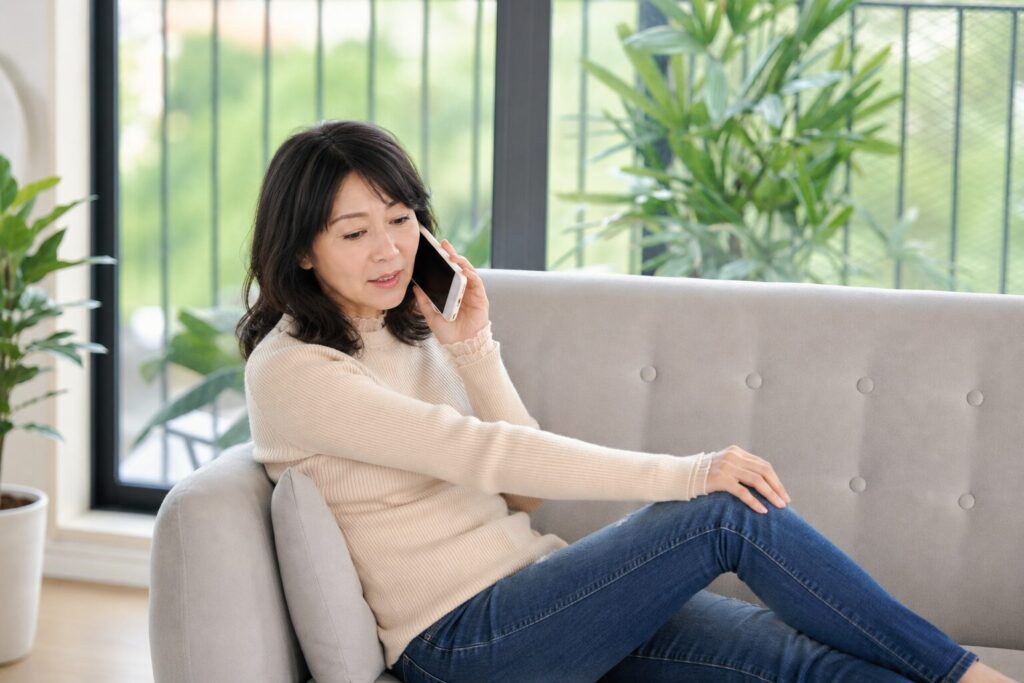
電話相談
ご自宅など安心できる環境での通話OKです
60分 7,000円(税込)
継続相談
継続してカウンセリングを受けることで自分のペースで整理していけます
60分 6,000円(税込)

PRICE
PRICE
カウンセリング
guidance
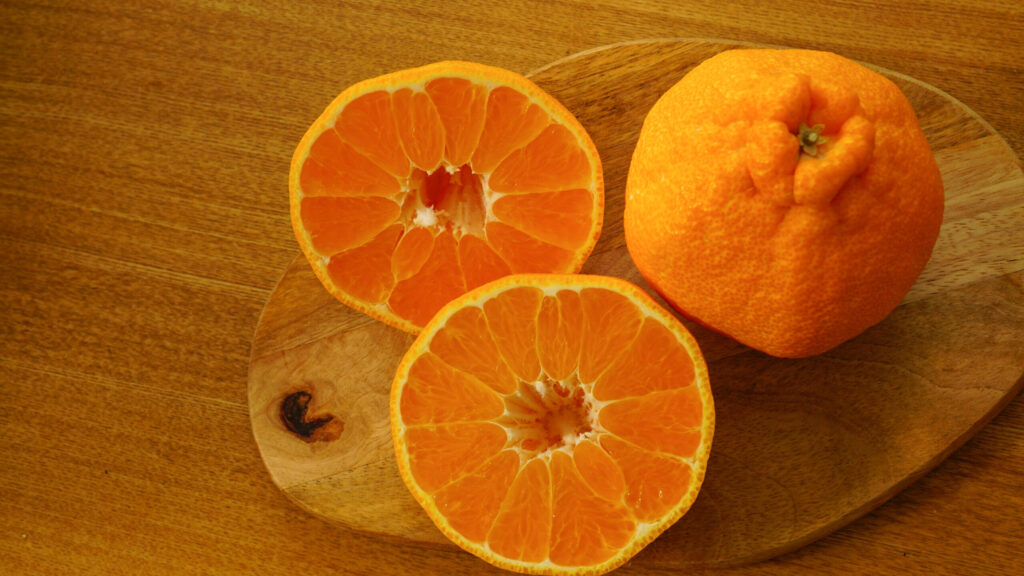
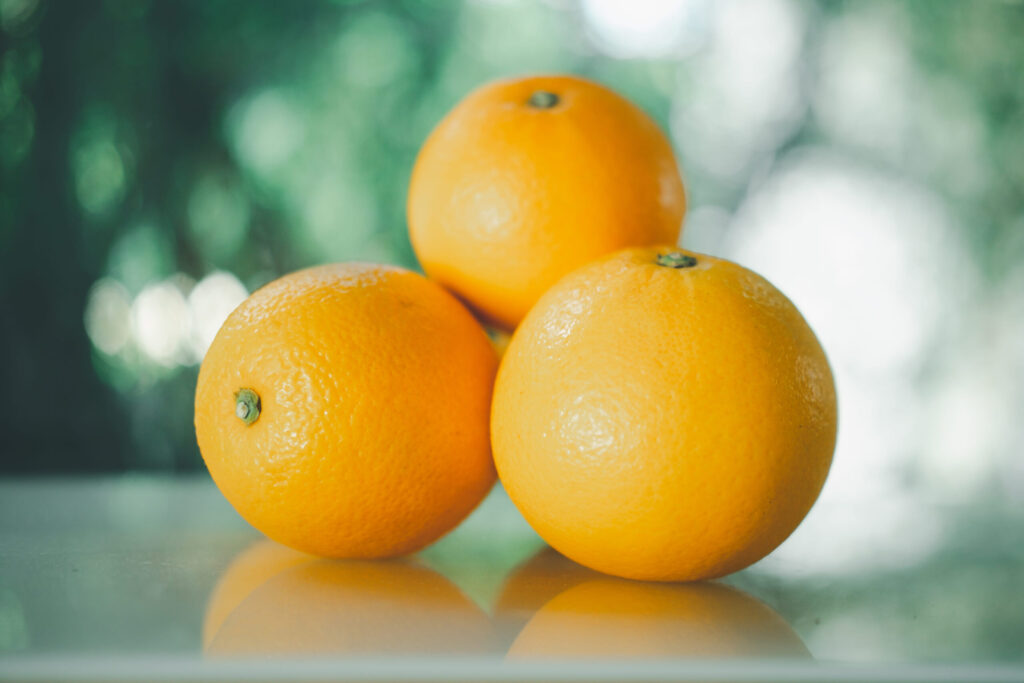
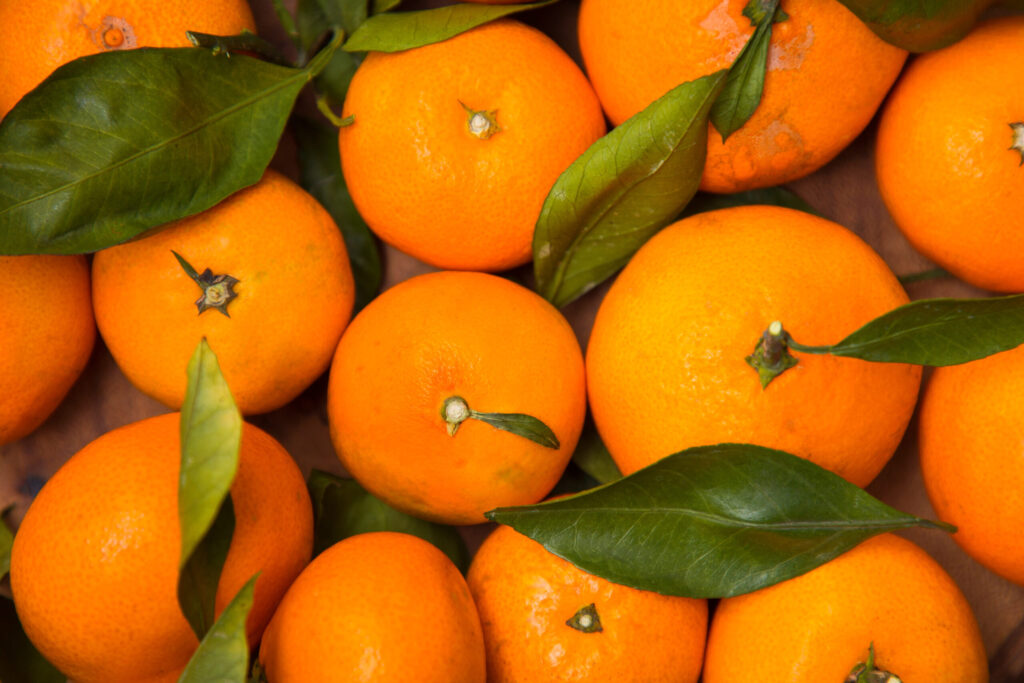
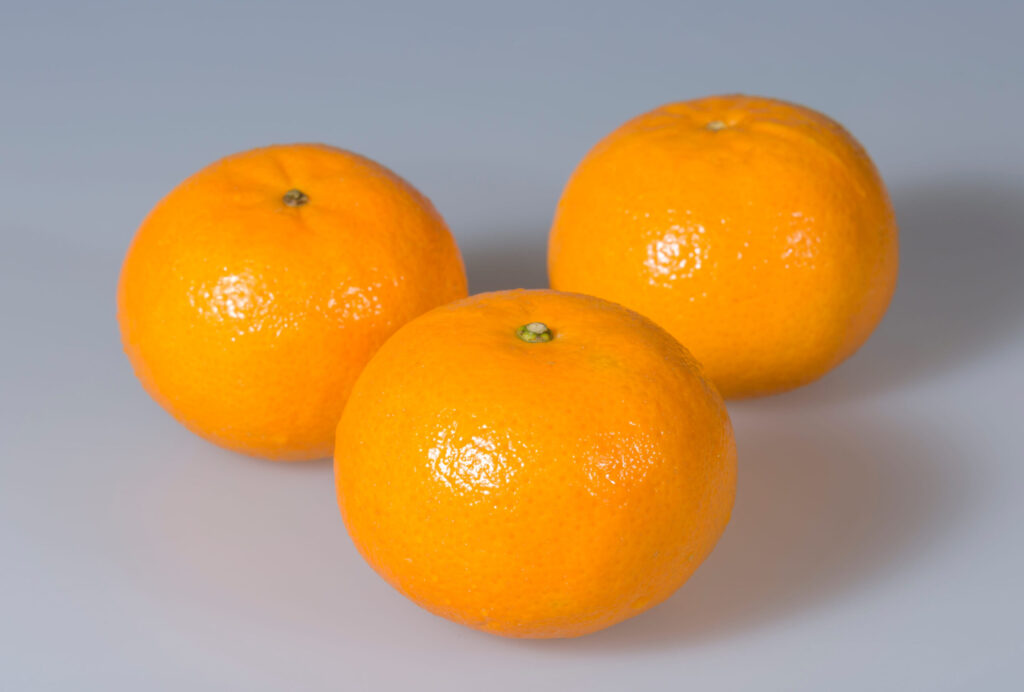
取り扱いみかん
contents
右側の余白スペース維持のためにどこかの文字の後ろに空スペースをいれること。今はワンカラー・・・・込の後ろに全角␣をいれている
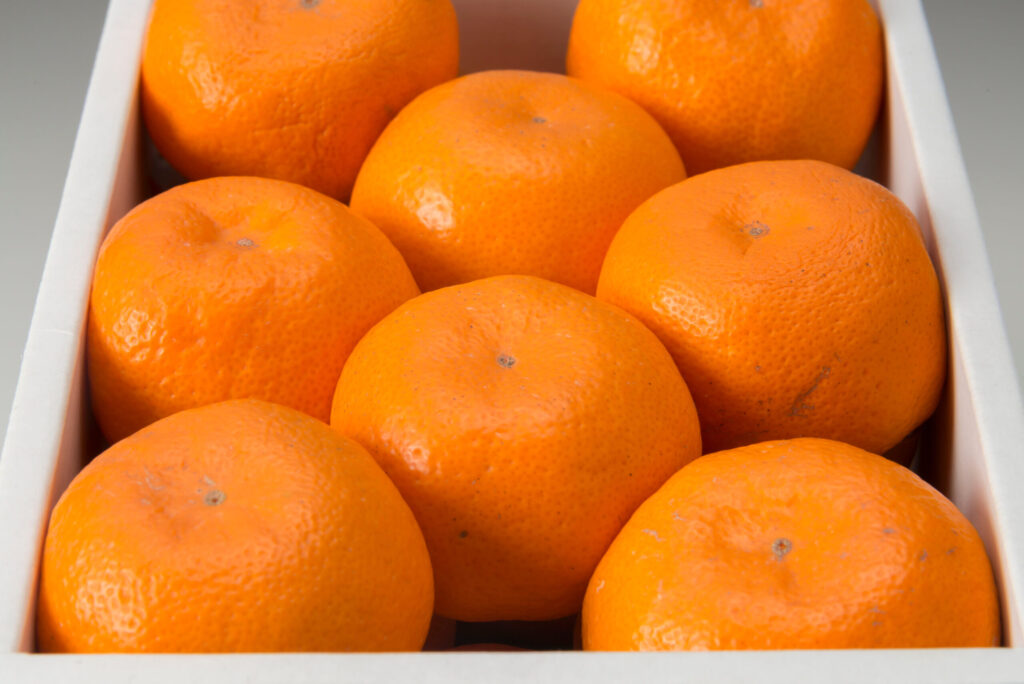
温州みかん 3kg/3,000円~
愛媛県産みかんの顔。
甘さと酸味のバランスが良く、贈答用として一番が人気がある品種
せとか 2kg/5,000円~
皮が薄く、果実の形もよく、ジューシーで濃厚な甘さが特徴、「柑橘の女王様」
ちょっと高級な贈答品としておすすめ
伊予柑 2kg/3,000円~
味・色・香りの”よい”3拍子揃い
「愛媛のいよかん、いい予感」のキャッチフレーズで全国的にも有名な品種
ぽんかん 2kg/5,000円~
インド生まれの美しい果実
手で皮がむけ、内袋ごと召し上がれます
甘味の強さと香りが特徴
河内晩柑 2kg/3,500円~
ジューシーでさっぱりとした味が特徴
「和製グレープフルーツ」とも
しっかりとした皮と大粒の果実が特徴
SERVICE
SERVICE-1
取り扱いみかん
guidance
取り扱い商品
contents
右側の余白スペース維持のためにどこかの文字の後ろに空スペースをいれること。今はワンカラー・・・・込の後ろに全角␣をいれている
画像が細長くつぶれてしまうことがある。原因はおそらくb3上の画像についてはそういうことがあるようだ。b3-cover-fitというクラス名をつけると直るようにしている。追加cssにその修正するためのcssは書いている。
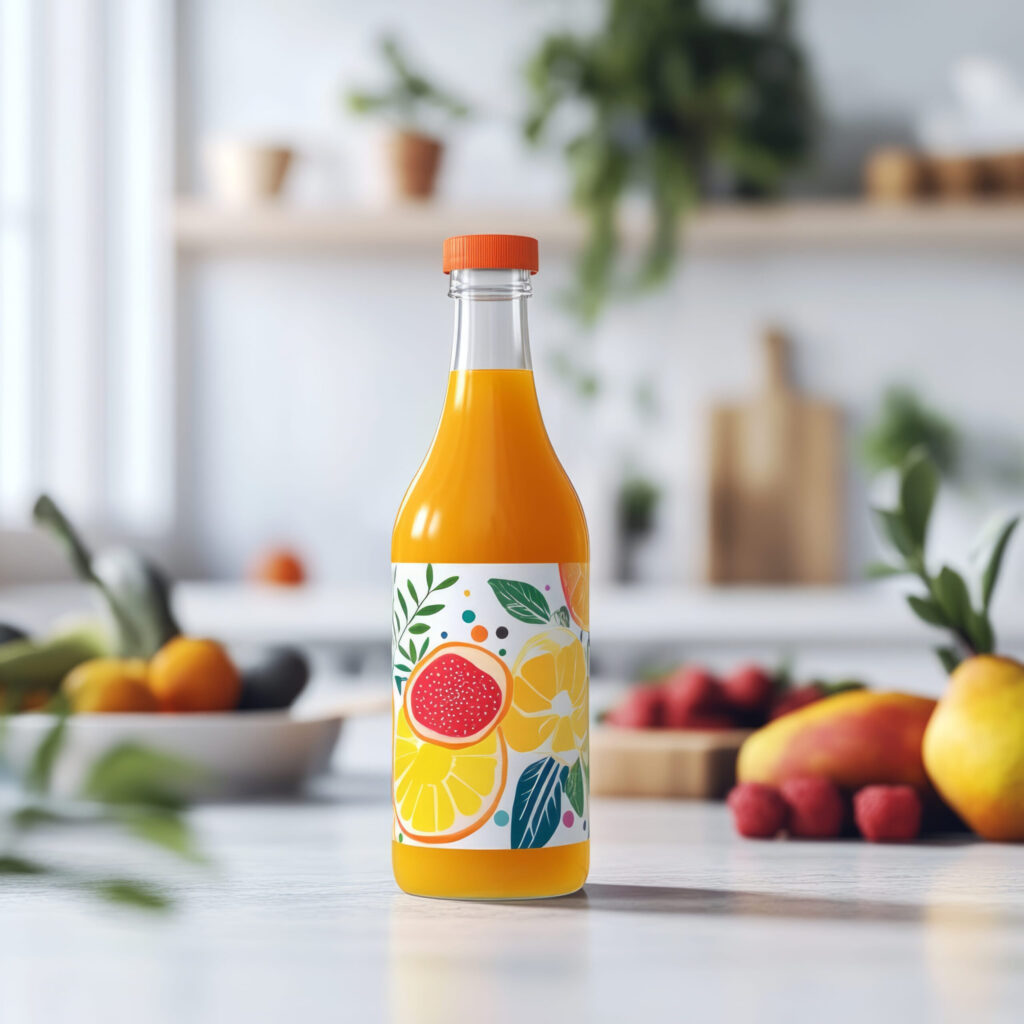
【無添加100%ストレートジュース】
西宇和みかんや伊予柑をはじめ、当農園で栽培している様々な柑橘の果汁を絞ってそのまま瓶詰めしています。
🍊河内晩柑ジュース(720ml)2本セット
販売価格:4,050円(税込)
🍊ぽんかんジュース(720ml)2本セット
販売価格:4,050円(税込)
🍊いよかんジュース(720ml)2本セット
販売価格:4,050円(税込)
🍊みかんジュース(300ml)小瓶6本セット
販売価格4,400円(税込)
季節により準備中の商品もございます
お電話やメールでのご注文も受付しております
SERVICE-2
取り扱い商品
reserve
【無添加100%ストレートジュース】
西宇和みかんや伊予柑をはじめ、当農園で栽培している様々な柑橘の果汁を絞ってそのまま瓶詰めしています。
🍊河内晩柑ジュース(720ml)2本セット
販売価格:4,050円(税込)
🍊ぽんかんジュース(720ml)2本セット
販売価格:4,050円(税込)
🍊いよかんジュース(720ml)2本セット
販売価格:4,050円(税込)
🍊みかんジュース(300ml)小瓶6本セット
販売価格4,400円(税込)
季節により準備中の商品もございます
お電話やメールでのご注文も受付しております
不必要なカバーにはstock-blockをクラス名にいれること。
簡易鑑定
恋愛・仕事・人間関係など、どのようなお悩みでも、時間内であればご質問は何度でも可能です。
10分 50,000円(税込)

鑑定の種類
幸あれ!GOOD!
150分 6,800円(税込)

【スライド枚数を増減させる場合の注意点】
・スライドを増やせば、固定背景、左下のアンかーも同数増やす。左下アンカーは内容より順番が重要。
・追加スライドは b3 と b6 の間に入れる。b4 / b5 は普通スライド専用。
・b7は最後のCONTACT用なので最後に残す。
・bg5 / bg6 は bg4 の後ろではなく、流れとして bg4 の前に入る。
予約の流れ
reserve
1. お電話又はメールフォームでご連絡
2. 日時のご相談・確定
・日時の調整
・支払い方法のご案内
3. カウンセリングの実施
※オンライン・電話相談は事前決済、対面相談は当日のお支払いとなります。
・ご予約のキャンセルは前日までにご連絡をお願いいたします。
・当日キャンセルは、カウンセリング料金の100%を頂戴いたします。
・ご予約時間に遅れた場合、相談時間が短くなる場合がございます。
・お支払い後の返金は原則お受けしておりません。
RESERVATION
予約の流れ
reserve
1. LINE又はメールでご連絡
2. 日時のご相談・確定
・日時の調整
・支払い方法のご案内
3. カウンセリングの実施
※オンライン相談・電話相談は事前決済、対面相談は当日のお支払いとなります。
・ご予約のキャンセルは前日までにご連絡をお願いいたします。
・当日キャンセルは、料金の100%を頂戴いたします。
・ご予約時間に遅れた場合、カウンセリング時間が短くなる場合がございます。
・お支払い後の返金は原則お受けしておりません。
ABOUT

スライドを非表示にするには、stock-blockをクラス名にいれる。それとb4 or b5のクラス名を変更する → b5stockとか。
固定背景、アンカー確認!
PROFILE
夫婦関係カウンセラー
下崎 桜
大学卒業後、結婚相談所で夫婦・家族に関する相談業務に携わる。
その後、心理カウンセリングを学び、夫婦関係や離婚前後の悩みに特化したカウンセラーとして活動を開始。
相談では、結論を急がせることよりも、まずその人自身が何に傷つき、何を守りたいのかを丁寧に見つめることを大切にしています。
趣味は読書とカフェめぐり。
休日は静かな場所で本を読んだり、季節の花を見に出かけたりしています。

ABOUT
CONTACT
カウンセリングの依頼・問い合わせは
こちらから
ココナラでもお仕事受付中
LINEでの問い合わせもOK


CONTACT
LINE、ココナラでもお仕事受付中
スライドを増やしたら、その場所に対応するリストも同じ位置に増やす必要がある。
b4・b5あり: TOP PROFILE SERVICE 追加ページ名1 追加ページ名2 ABOUT CONTACT
CONTACT以外の通常メニュー → 内容ではなく順番!リスト名は何でもよい。アンカー設定不要
TOP
PROFILE
ABOUT
CONTACT